From shipment to selling price
Follow receiving, import-cost allocation and selected tier-price changes.
Start here →Then explore price review →Explore the major systems behind inventory, returns, collections, purchasing and pricing, with actual screens and the decisions each workflow supports.
Explore the major systems ↓Follow receiving, import-cost allocation and selected tier-price changes.
Start here →Then explore price review →Connect count evidence, stock commitments and purchasing context.
Start here →Then explore product purchasing →Explore the returns operation and the relationship context surrounding it.
Start here →Then explore growth crm →Our most substantial work comes first: seven systems that connect business decisions, teams and exceptions. Specialized workflows and smaller refinements follow.
Combine a capability with a business area to find the relevant work.
30 examples
Start with the work that connects people, decisions and exceptions across a complete business process.
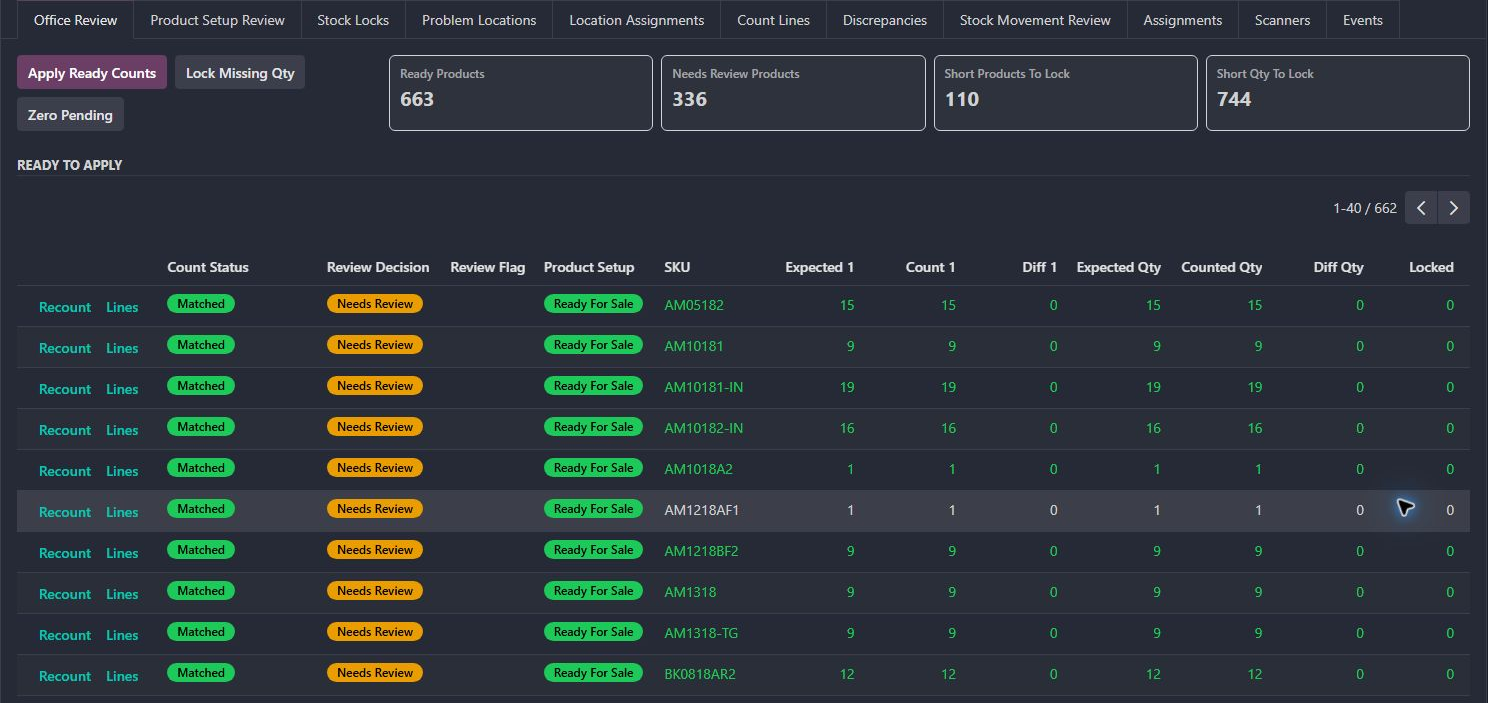
The count is one part of a larger control loop: assigning the work, recording what was observed, investigating movement and deciding which stock can be trusted.
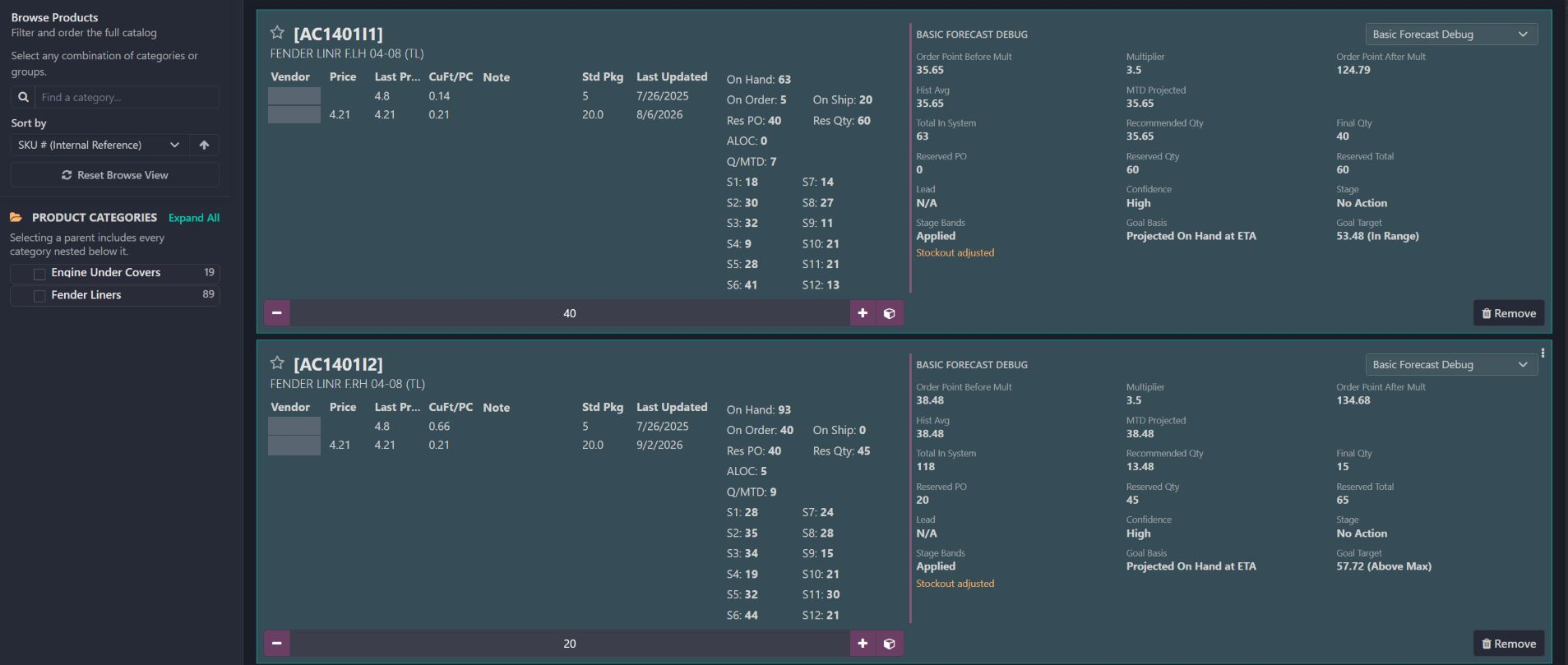
A purchasing workspace that connects product-level demand, supplier choices, commitments and arrivals to explainable order recommendations. Explore the real catalog panels, follow one SKU’s calculation and see how new purchasing, reserve calls and reserve replenishment work together.
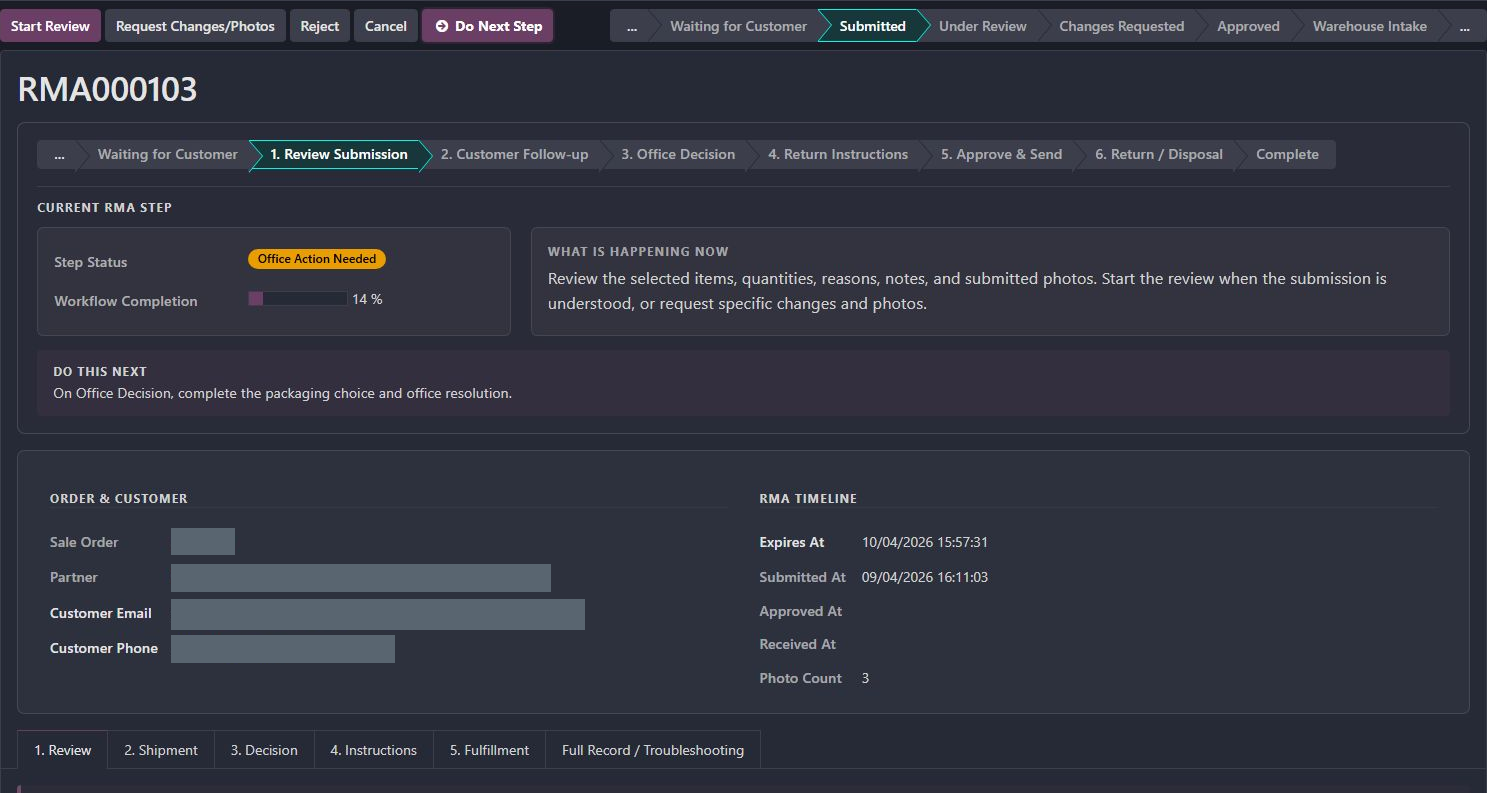
A return crosses the customer, sales office and warehouse. The custom workflow keeps evidence, eligibility, approval, physical arrival and resolution connected while allowing each team to own its decision.
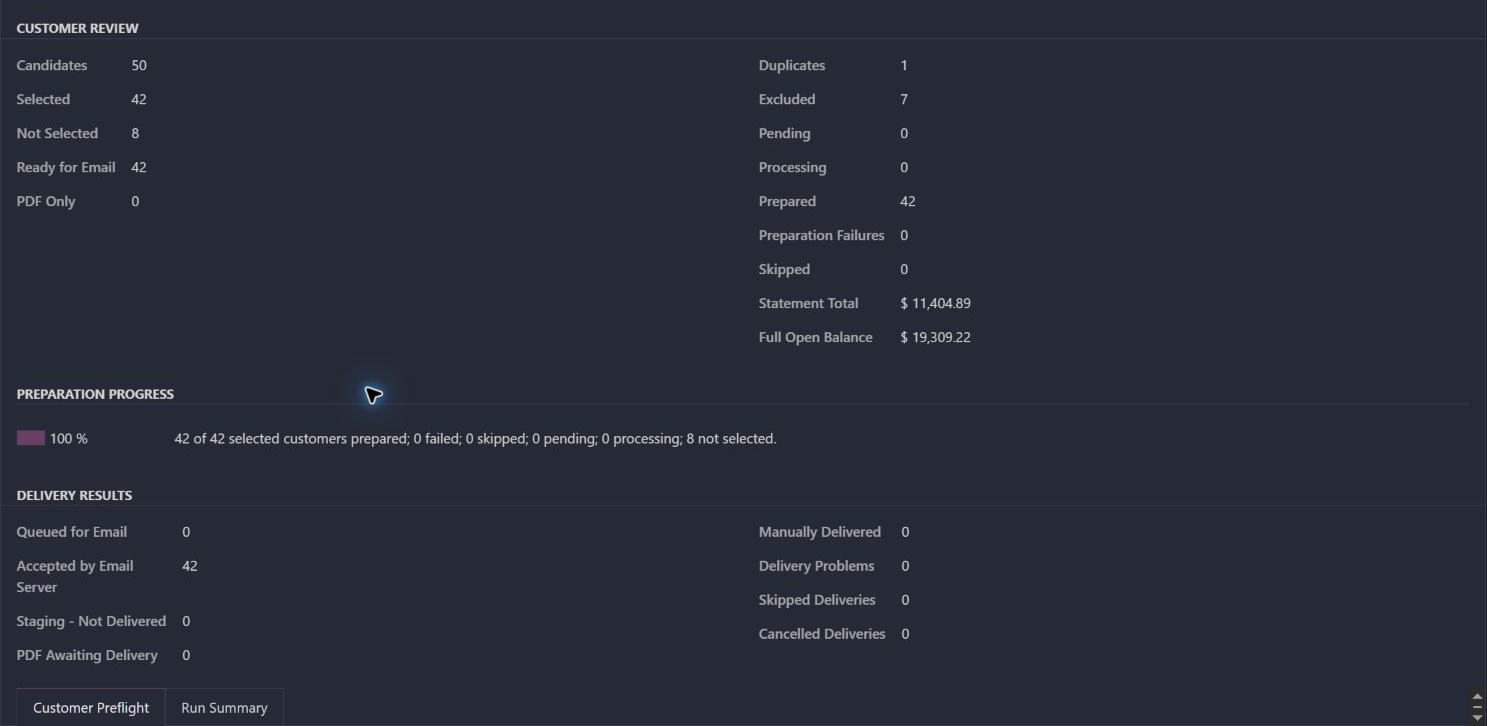
This is a collections operating system around the PDF: choose the right accounts, freeze a review population, prepare in batches, handle delivery exceptions and track what remains unpaid.
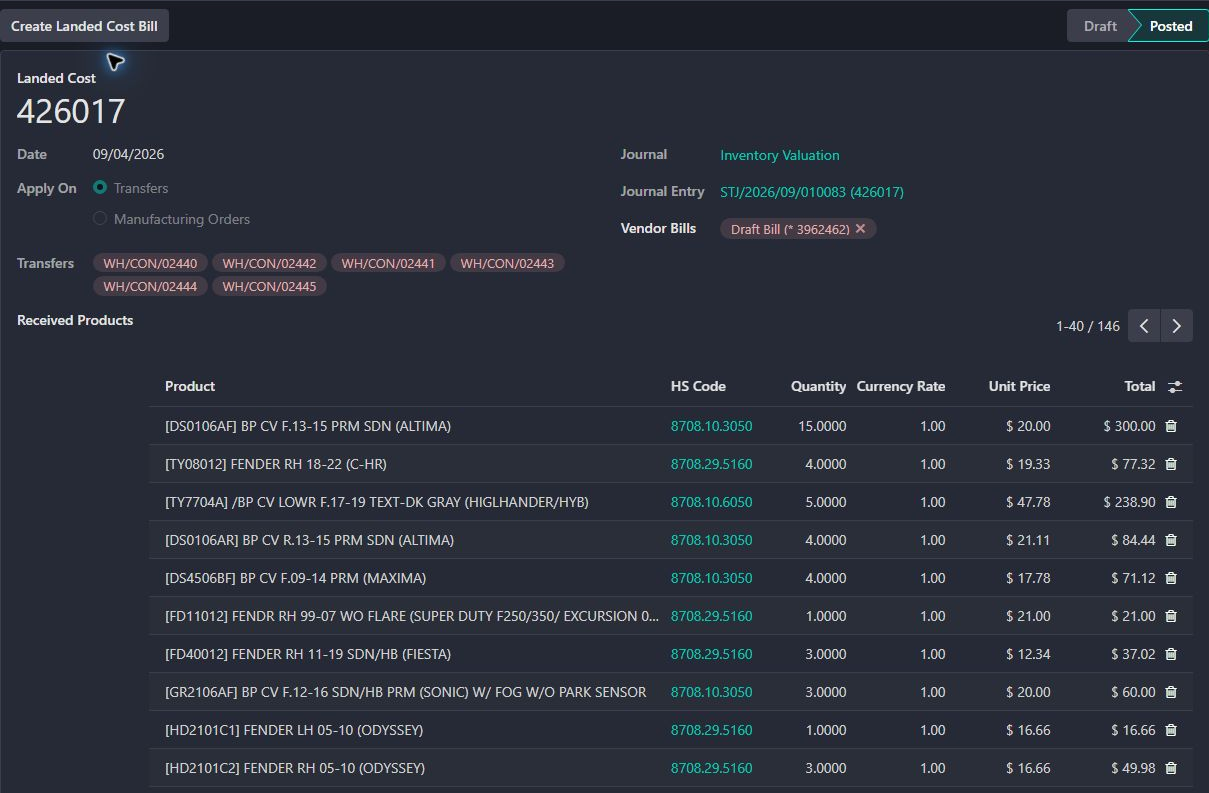
The shipment becomes a shared reference for receiving, backorders, supplier costs and price review. Each stage answers a different question before the next team relies on its result.
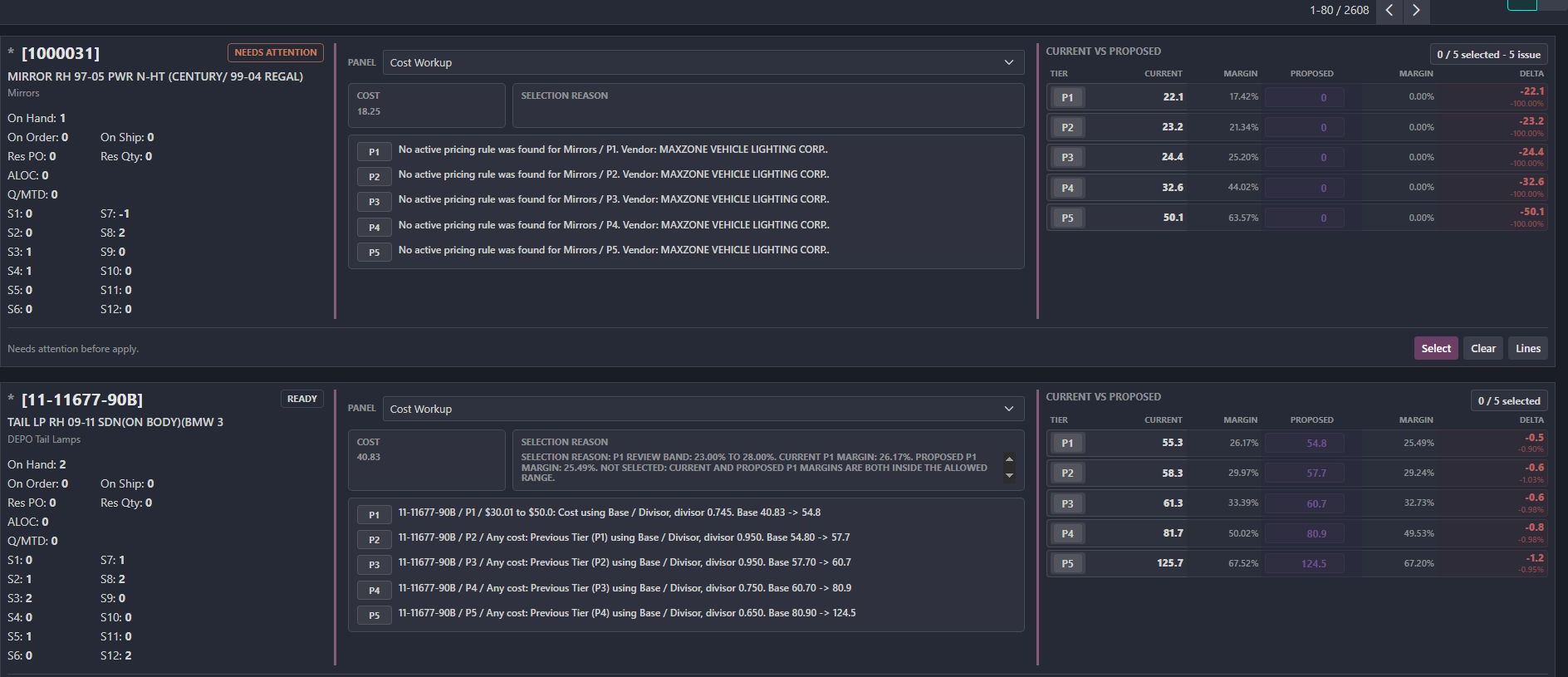
The work replaces an export, macro and upload cycle with configurable rules and a review workspace. It supports cost bands, dependent price tiers, individual exceptions and deliberate application.
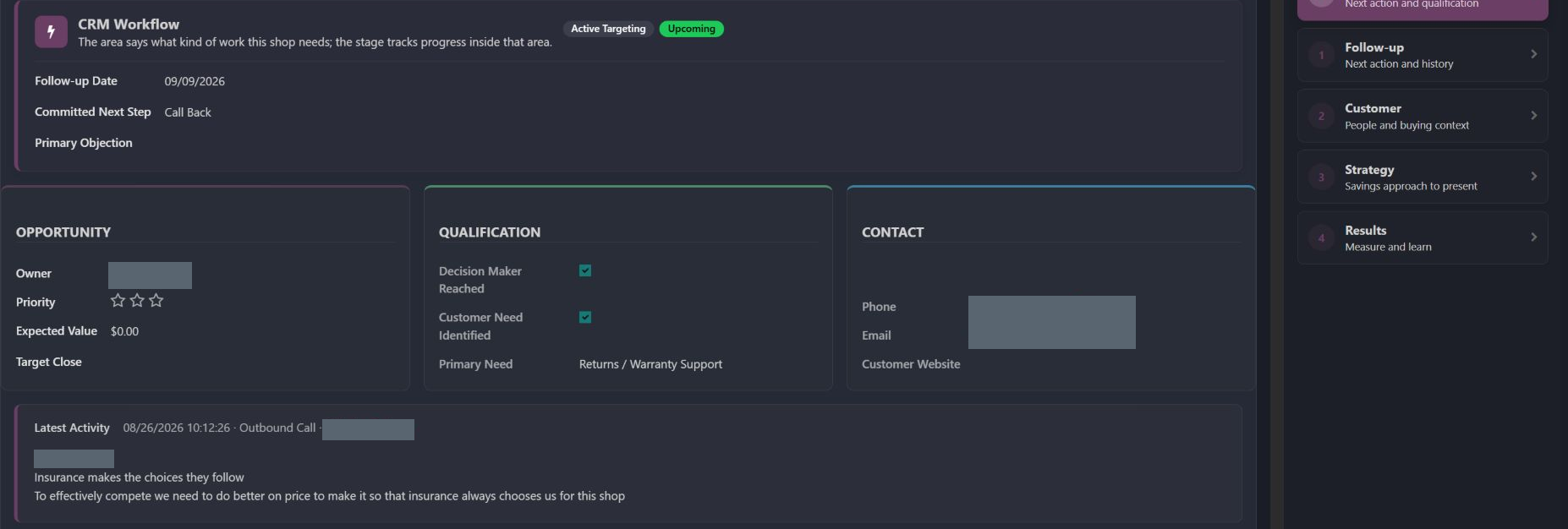
The work goes beyond logging a call. It combines who matters, why the customer buys elsewhere, what they need, the next commitment and a place to track subsequent changes.
Explore the specialized workflows that extend those systems into commerce, fulfillment and workforce operations.
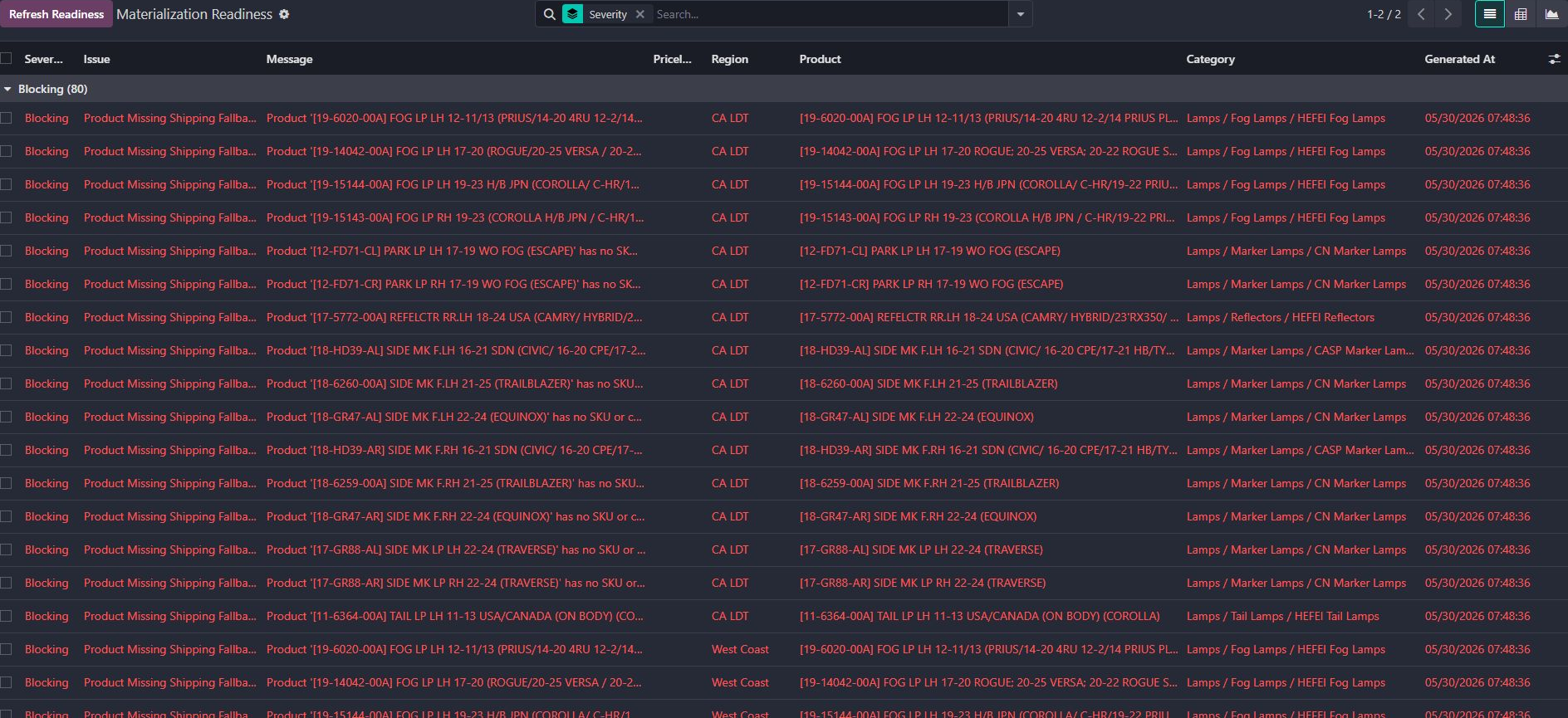
Regional pricing gained an explicit cost-fallback order, a shipping workbench and a readiness queue for missing setup.
Explore this workflow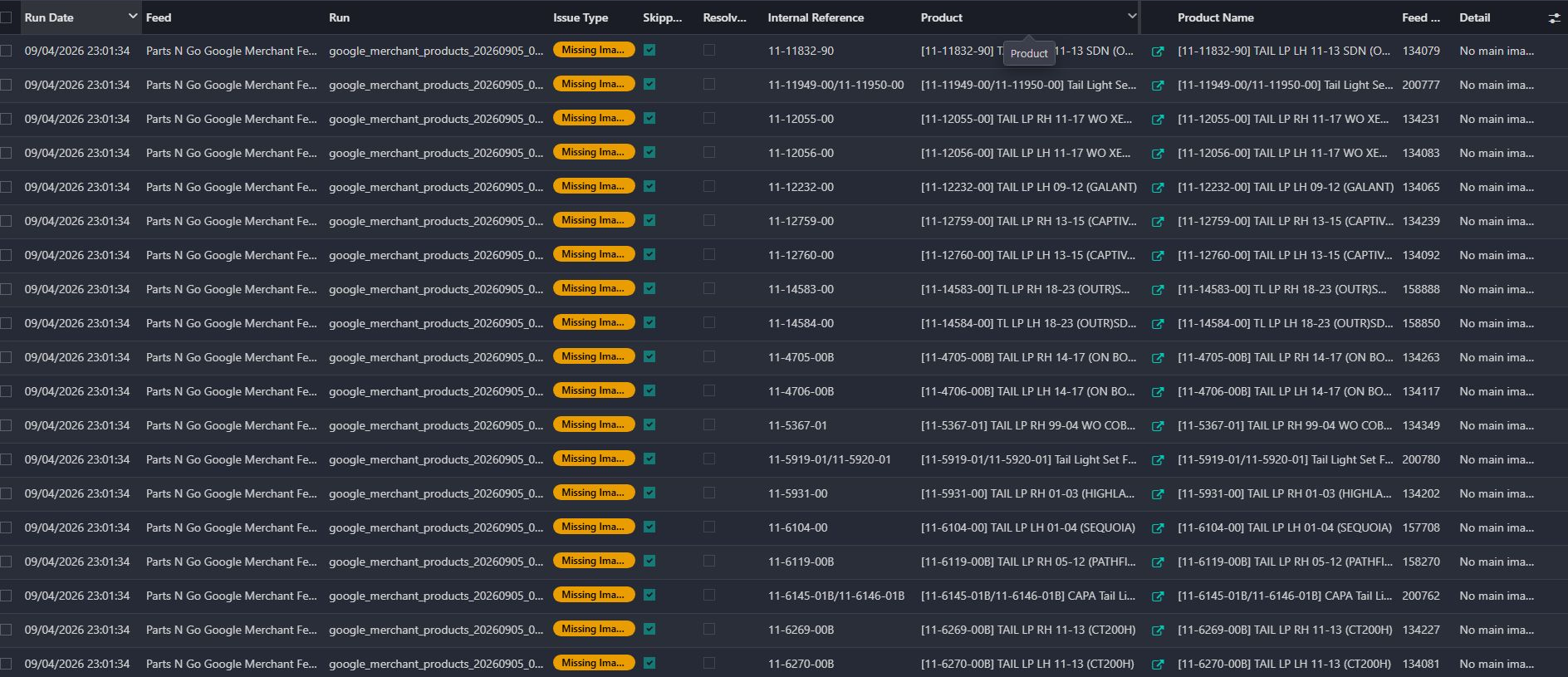
Product-feed generation gained visible QA issues, product-level repair links, generation history, and separate primary and local-inventory outputs.
Explore this workflow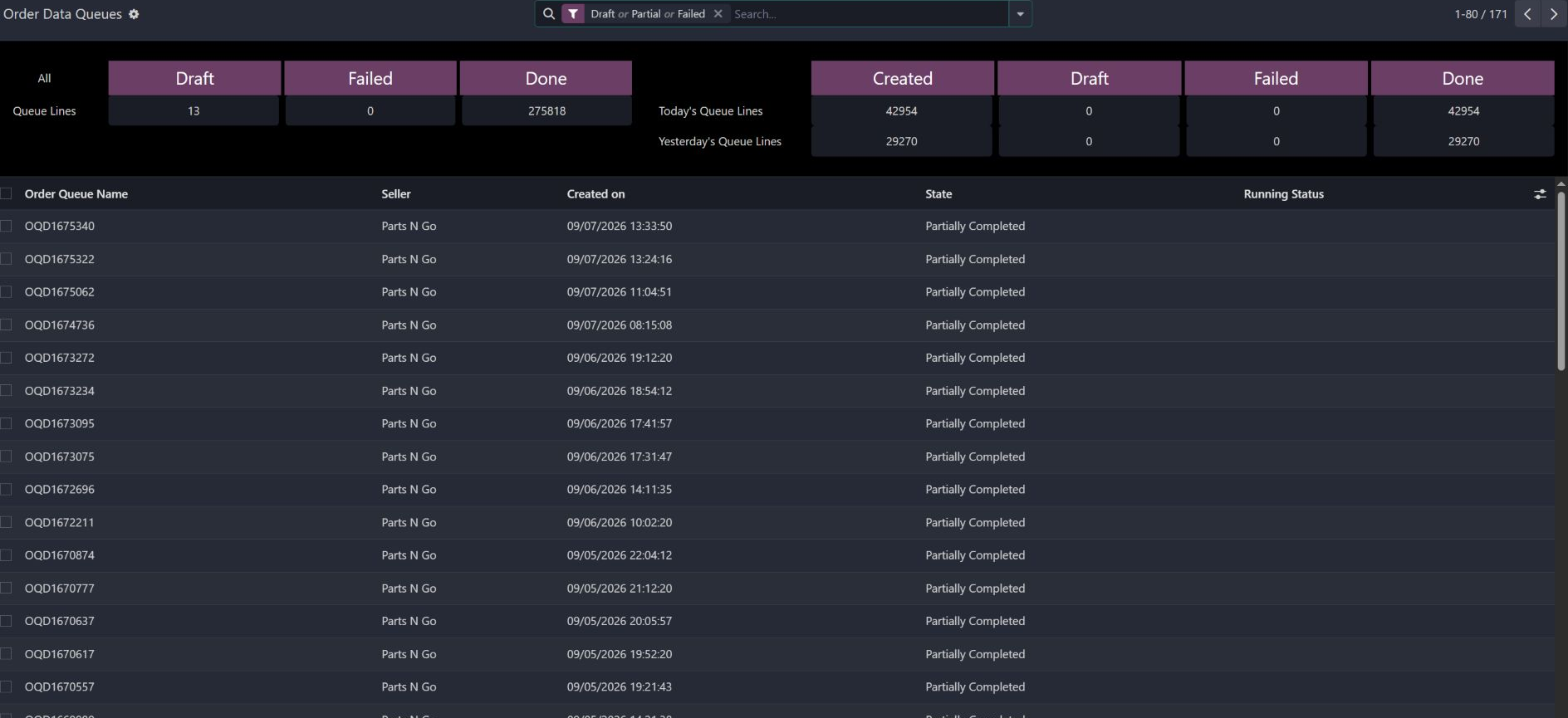
Moving orders is not enough. Someone needs to know what queued, what shipped, what failed, whether a retry is safe, and which account is affected.
Explore this workflow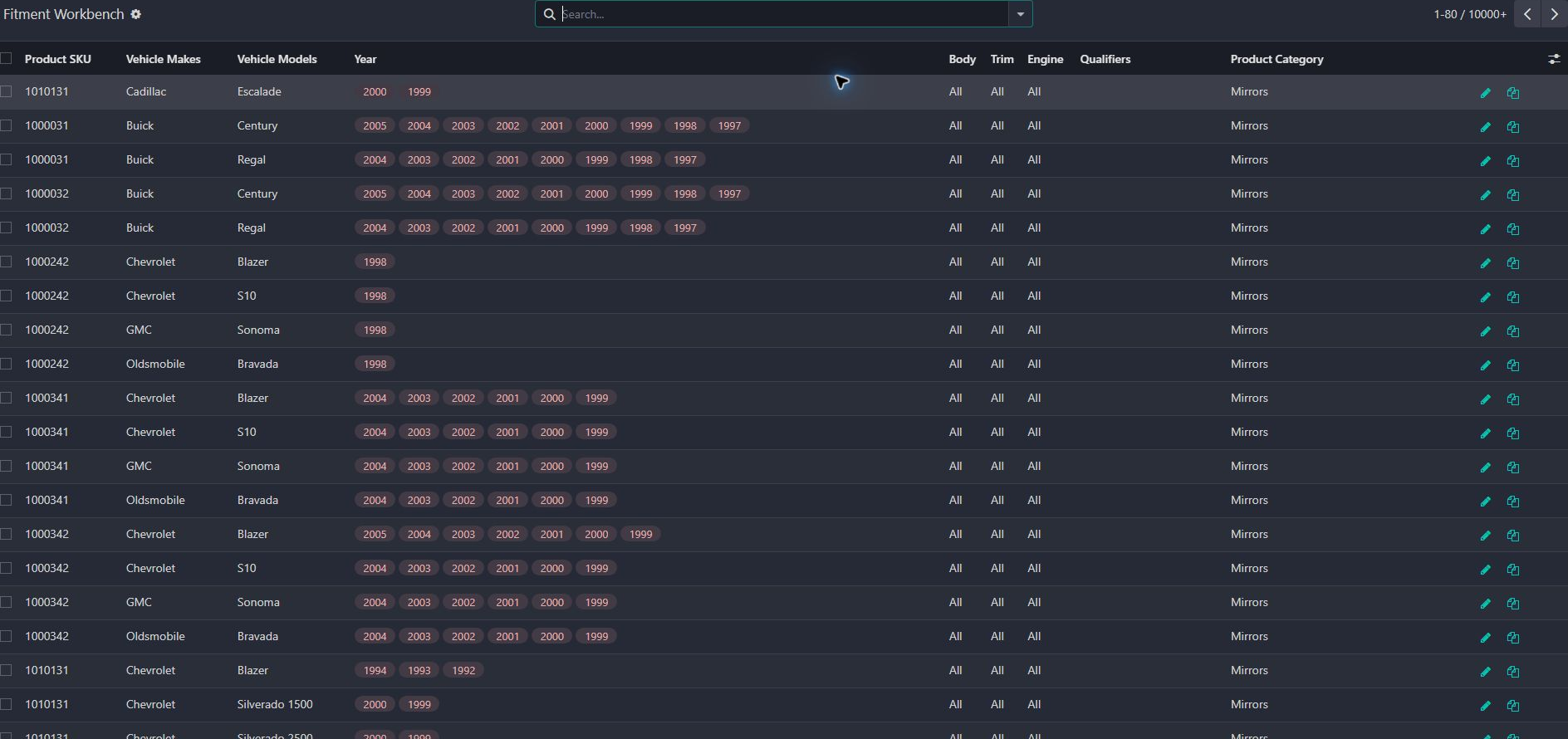
Year, make, and model are only the beginning. A maintainable fitment system has to manage the product relationship, qualifiers, imports, categories, publishing, and the shopper’s current vehicle.
Explore this workflow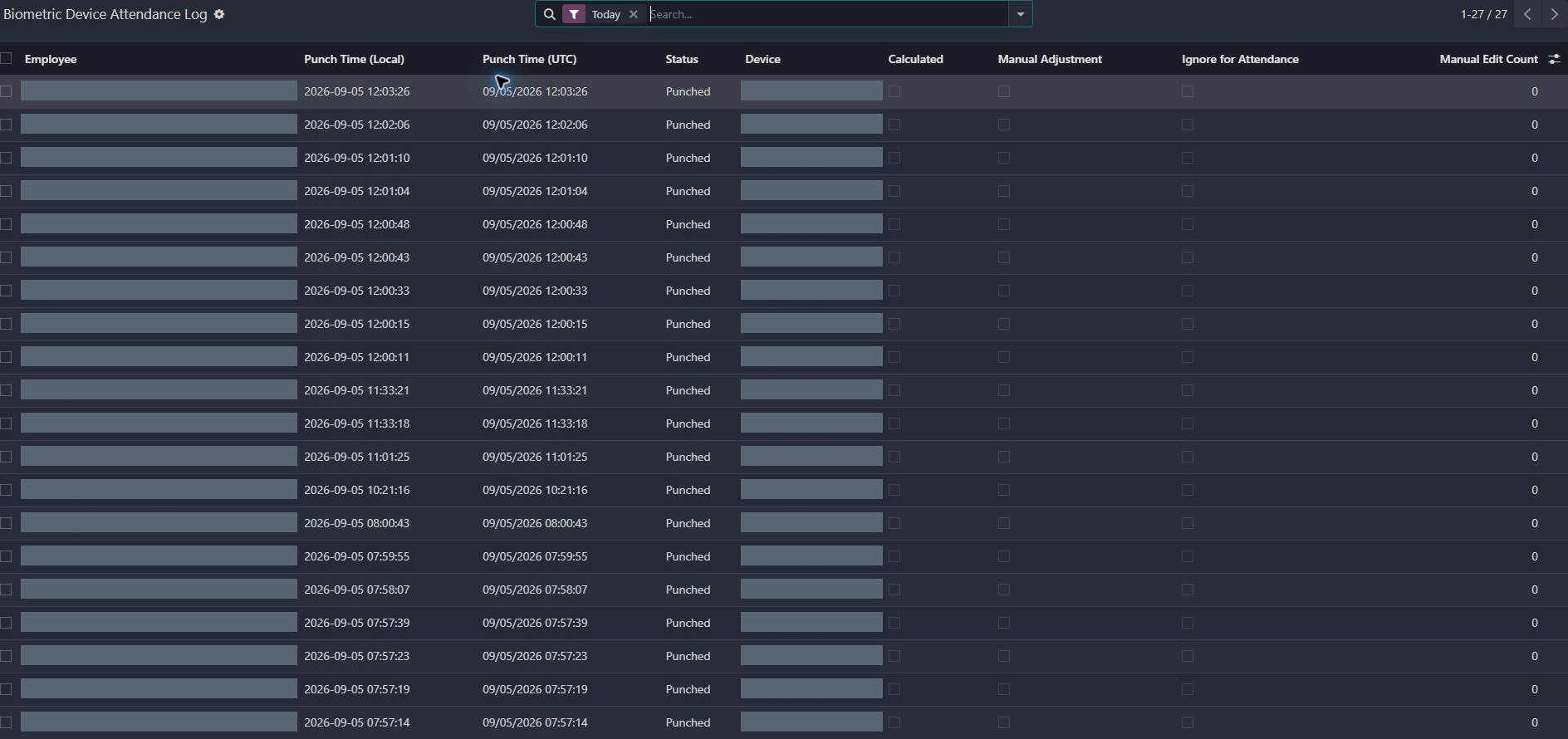
Receiving a punch from a device is the easy part. The real system begins with shifts, time zones, missed punches, meal rules, corrections, leave, privacy, and review.
Explore this workflow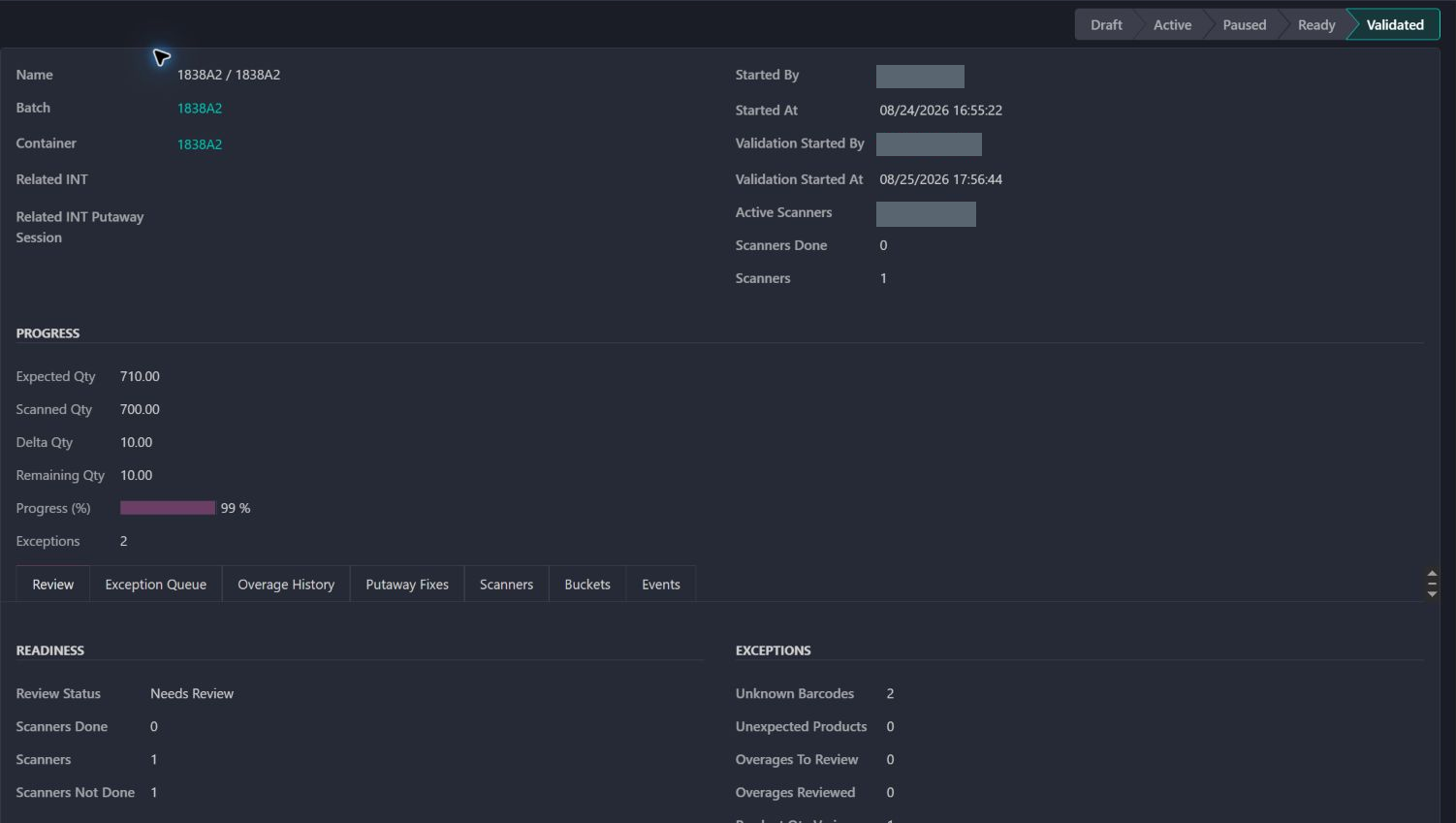
Follow a real container from scanned quantities to its completed receipt and the backorder that keeps unfinished work visible.
Explore this workflowFor configured cash-on-delivery orders, the final delivery cannot complete until the payment evidence satisfies the release rules.
Explore this workflowA delivery guard checks the quantity staged for the specific outbound move before allowing the final stock handoff.
Explore this workflowA scheduled and manually requested process recalculates eligible kit costs in batches, with progress and individual failures recorded.
Explore this workflowA custom checkout extension collects a valid pickup date and time, and carries the appointment into the sales team's daily work.
Explore this workflowFocused changes to search, documents, stock messages and everyday controls. Useful details within the larger build.
See which purchases are still with the supplier, which are on a container, and which have reached the warehouse.
View this refinementGive sales a usable stock figure that accounts for existing commitments, held stock and the parts needed to make a complete kit.
View this refinementReturns and exchanges gained explicit condition choices, required reasons, linked receipts, and a controlled path to replacement deliveries.
View this refinementHelp warehouse staff get to the right picking task, see the parts and locations, and find the related customer dispatch.
View this refinementKeep supplier costs, packaging details and update dates connected to the purchase lines buyers are working on.
View this refinementSee what a customer owes now, what is due later, and whether the previous statement has already been paid.
View this refinementGive each sales team the right paperwork, including freight packing lists without prices and a record of deliberate downloads.
View this refinementHelp online customers understand whether a part is available before they place an order.
View this refinementLet the catalog team inspect existing product photographs and choose the right main image without uploading another copy.
View this refinementMake invoice deadlines follow agreed weekday rules, with a visible preview staff can check.
View this refinementFind the right customer account using the names and references staff already have in front of them.
View this refinementShow management the path from income before taxes to final net profit, with tax detail they can inspect.
View this refinementKeep useful custom screens and sales documents working as the business grows and its processes change.
View this refinementNo examples match. Try a broader phrase or clear the filters.
25 case studies include real screenshots. 5 describe workflows without screenshots yet. Build histories and implementation background are available inside each case study. Private details are cropped out or covered; no screen data has been recreated.