The business problem
A product can have several imported images, but staff need a clear way to choose which one represents it. Editing attachments or re-uploading the same picture adds unnecessary handling.
Let the catalog team inspect existing product photographs and choose the right main image without uploading another copy.
See the real screens ↓Explore 2 real views of this workflow. Select a task, show every screen, or enlarge an image to read the original controls.
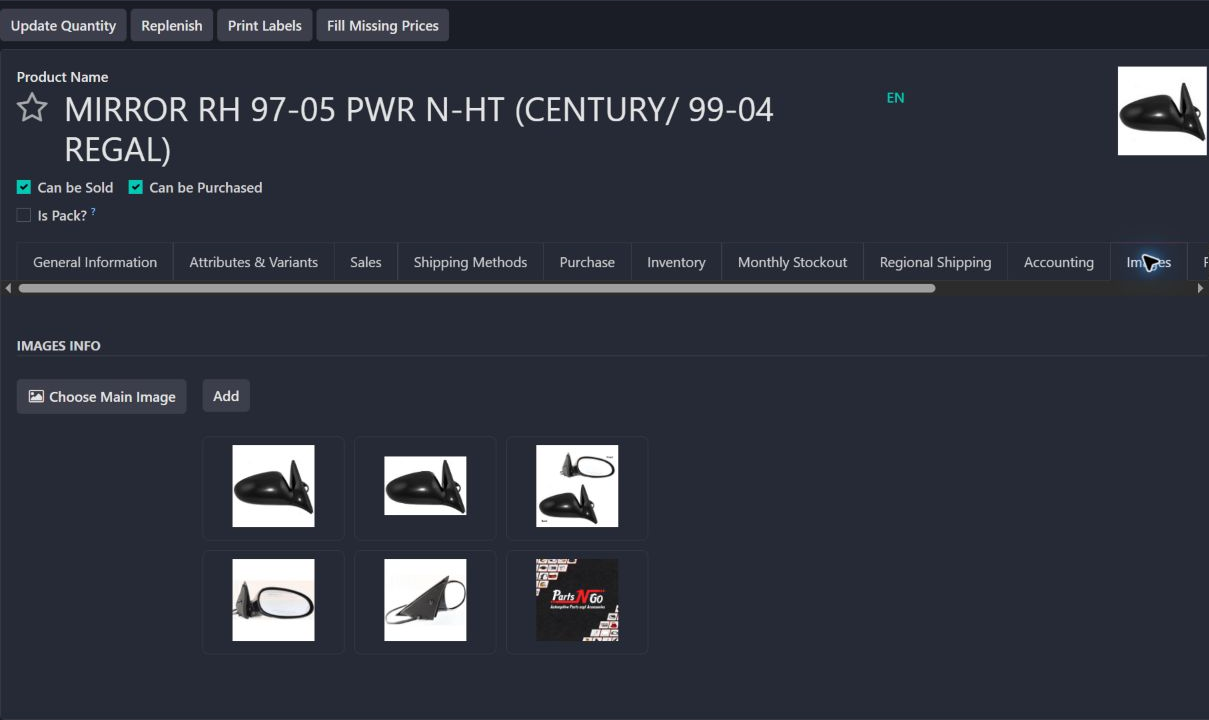
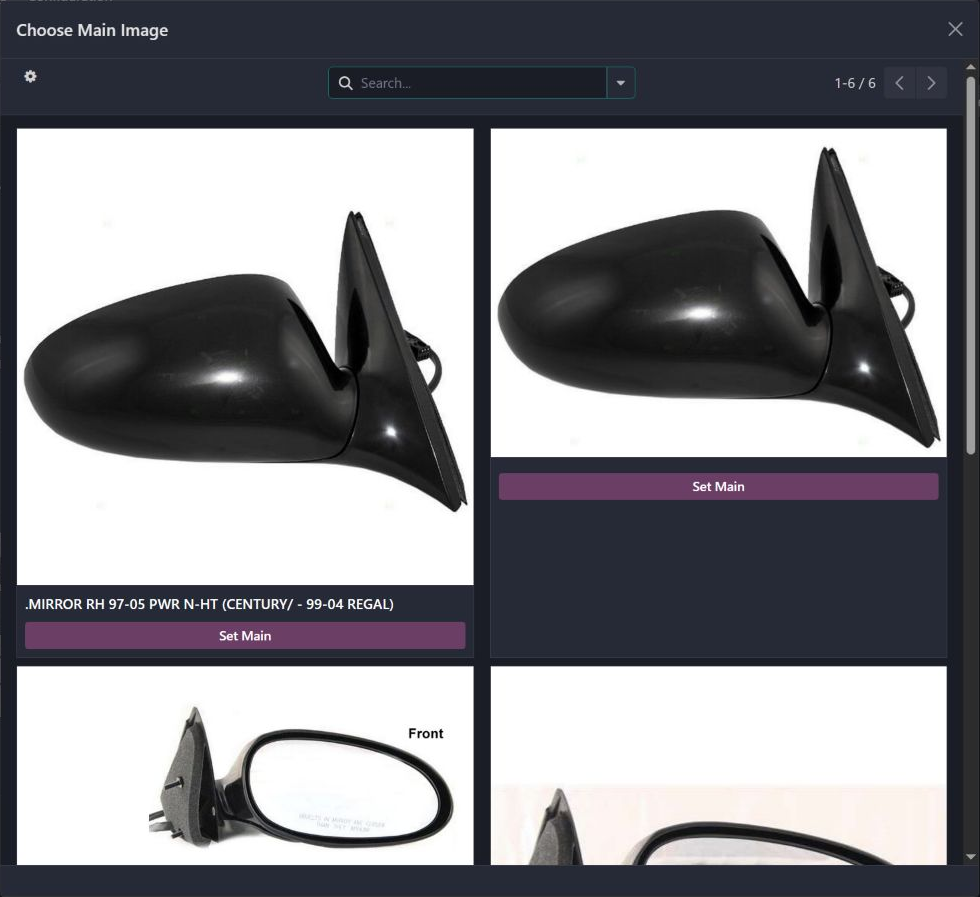
Actual Pro-A-Motors interface captures. Private identities and contact details are covered or outside the crop; screen data has not been replaced.
A product can have several imported images, but staff need a clear way to choose which one represents it. Editing attachments or re-uploading the same picture adds unnecessary handling.
Staff can inspect imported media and choose the product’s main image without re-uploading the same file.
Catalog staff can inspect existing media and deliberately choose the image used by the product.
The picker lets a catalog operator inspect that media and choose it as the main product image without uploading another copy.
The product gallery and image picker put existing photographs in front of the catalog operator before a main image is selected.
Confirm the image and product association before selecting Set Main Image.
The product’s primary image is maintained through a clear catalog action.
Open the product’s image gallery and inspect the imported image records.
Use Choose Main Image to see the media associated with the product.
Require an actual image and a linked product before applying it.
Copy the selected media to the product image and reload the working view with a confirmation.
Introduced a focused image gallery and explicit promotion action using existing connector media.
Dates identify recorded implementation changes, not claimed rollout dates or measured results. Reviewed revisions: d75610b.
The action rejects media without an image.
The action resolves the template or variant’s template before writing.
Opening the picker is inspection; Set Main Image changes the product. That change was not executed for this case.
Existing records are shown as captured. Private identities are covered or outside the crop. No business records were changed for this collection. Implementation history supports behavior beyond the visible screen; a still image is not an end-to-end test or a measured productivity result.
Built on Captivea CAP modules and Odoo. This case describes the subsequent Pro-A-Motors extensions and refinements recorded in the reviewed repository; it does not attribute the original CAP implementation to Toro. The image gallery also reuses the existing connector media model; the new selection action does not replace or claim authorship of that foundation.
Gives catalog staff control over the product image customers see.
Reuses existing connector media through a deliberate product-maintenance action.